Their room. True size.
A button on your product pages. Shoppers photograph their room and see your furniture at its real dimensions.
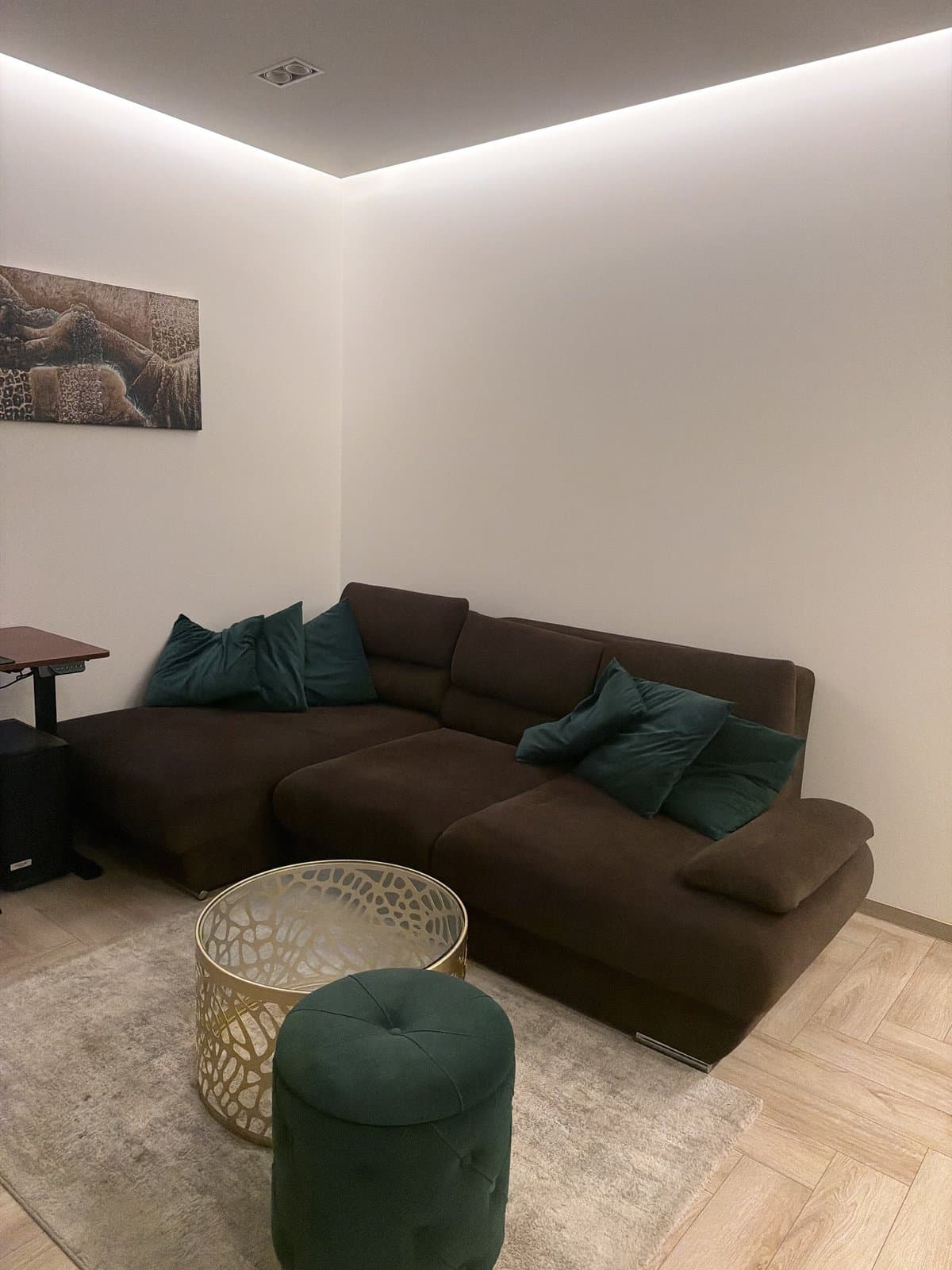
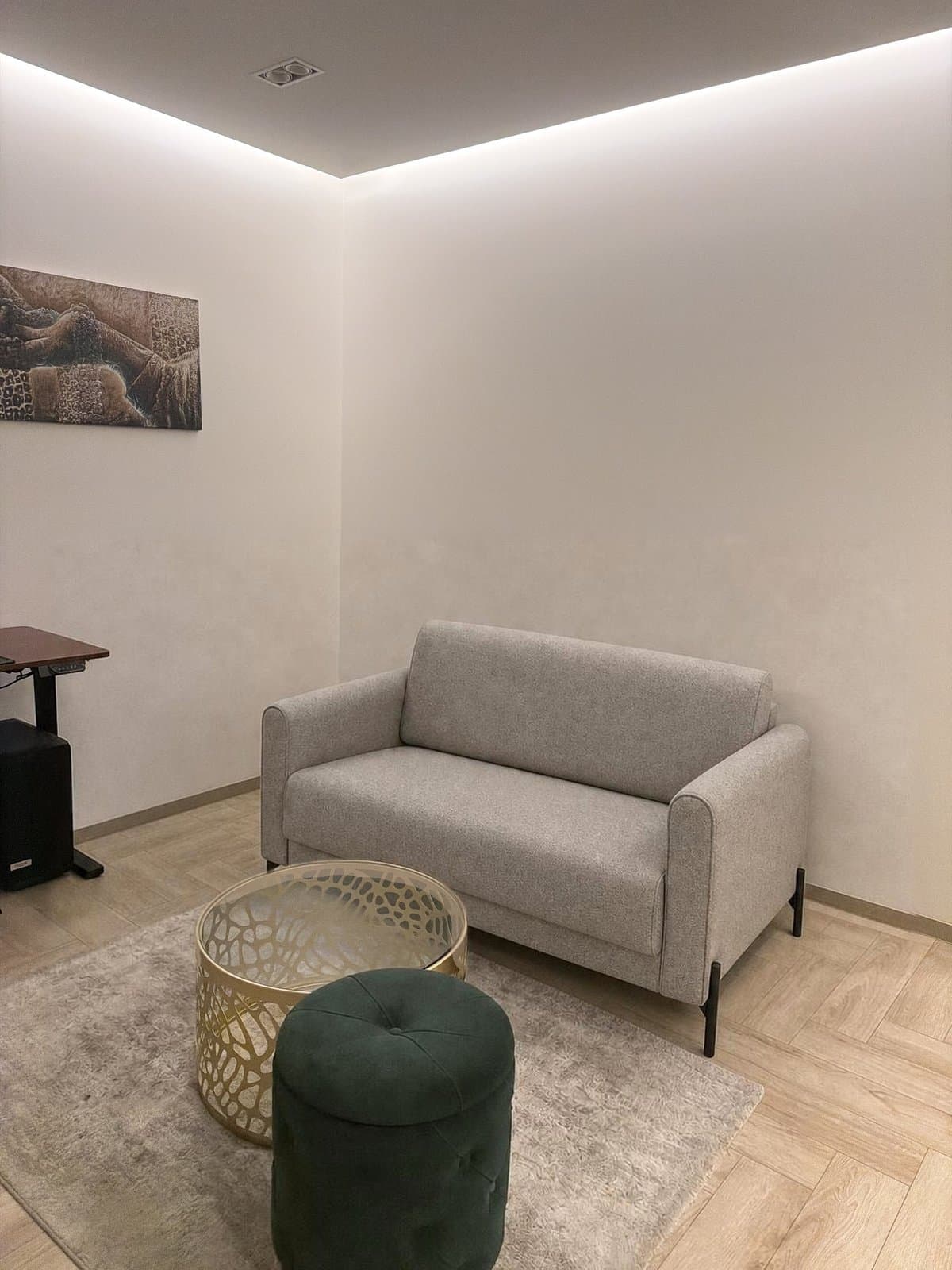
From your product page to their room.
It runs in the browser they already use. No download, no account, and the cart stays where it was.
~2 minfrom photo to finished room
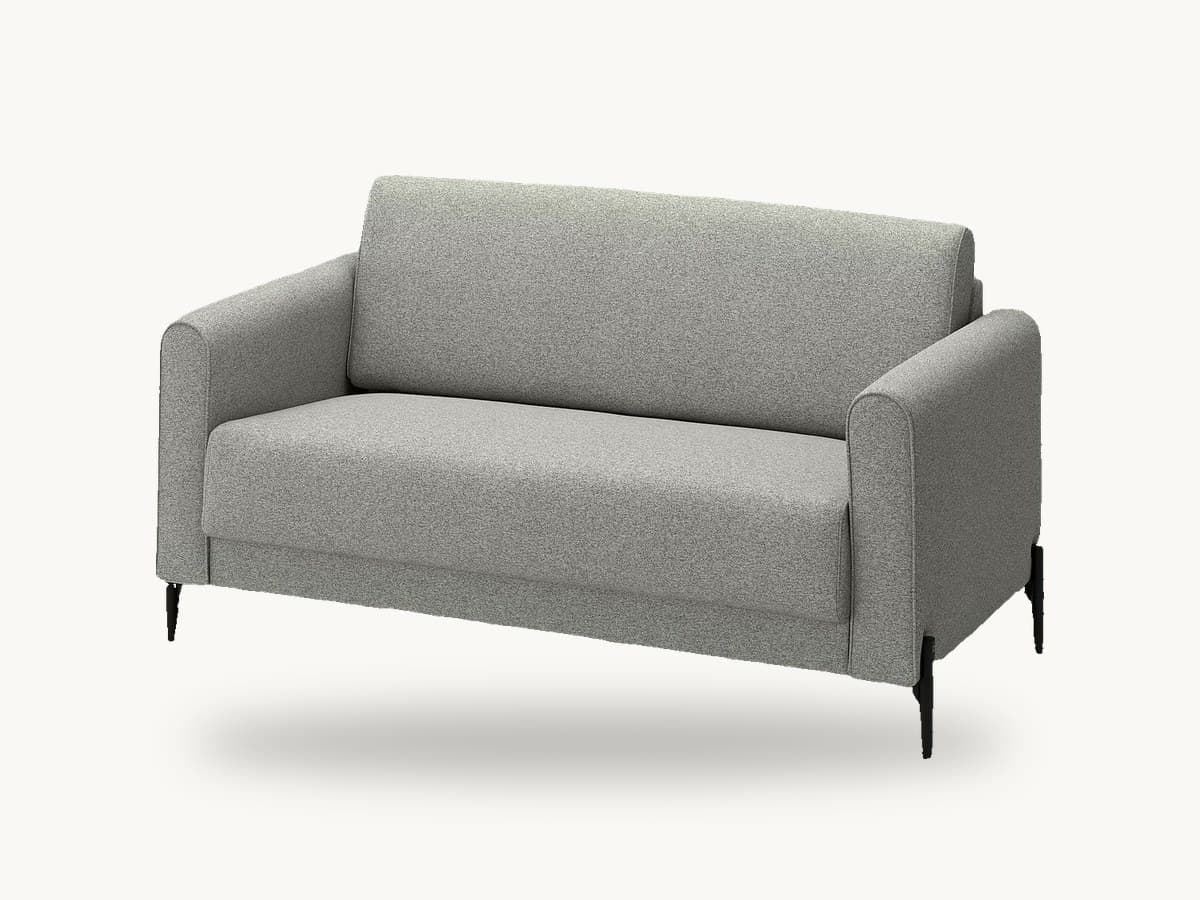
- Two-seat sofa147 cm wideAdd to cartSee it in your room01
Tap the button
“See it in your room” sits next to Add to cart on your product page.Next to Add to cart on your product page.
- Keep the floor in view02
Take a photo
The room, with the floor in view. On a computer, a QR code hands the job to their phone.The room, with the floor in view.
 03
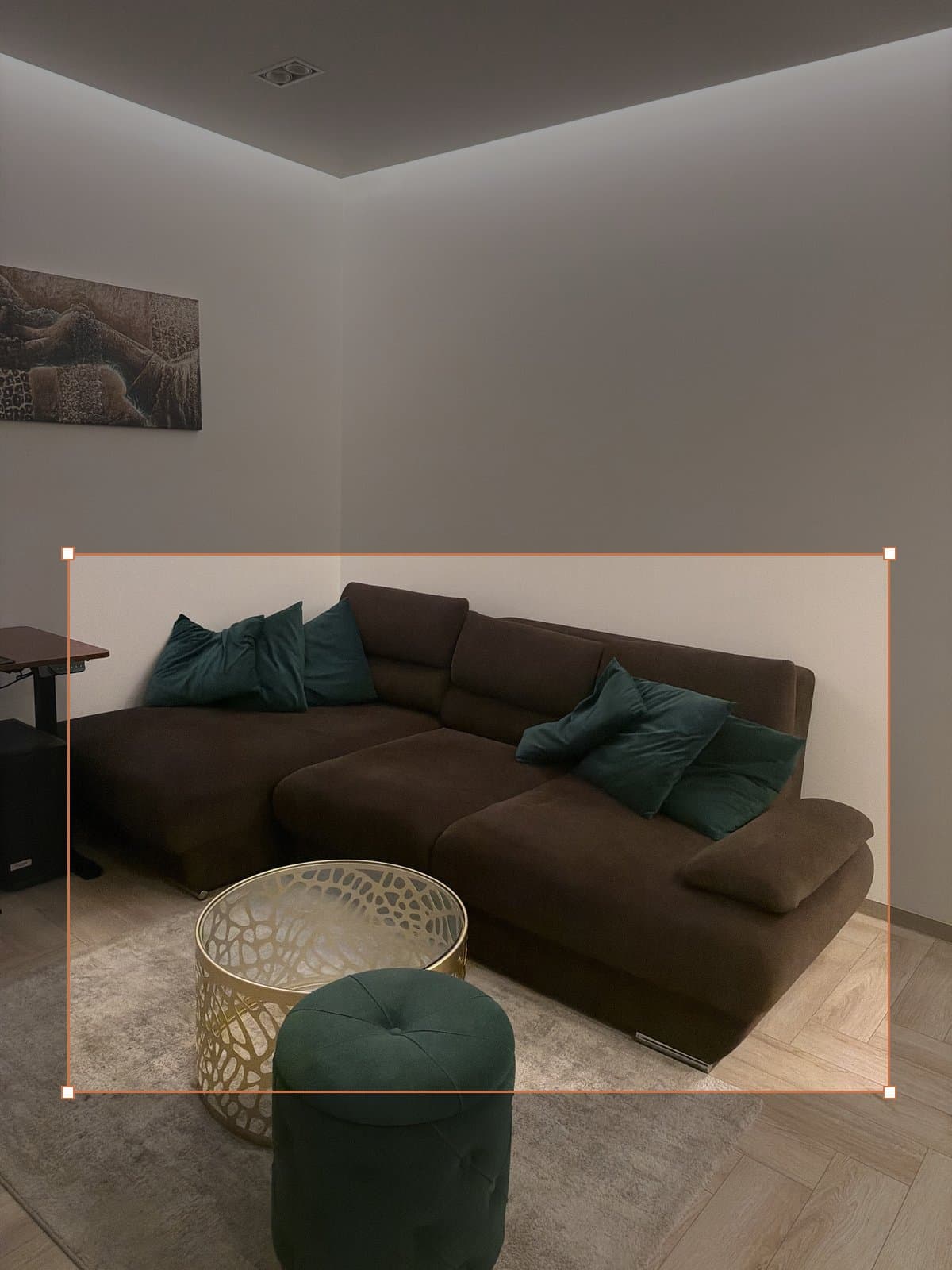
03Mark the old piece
They draw a box around the furniture being replaced.A box around what is being replaced.
- 04
See it at real size
Your product in their room at its catalogue size, with Add to cart one tap away.With Add to cart one tap away.
Other AI tools guess.We measure.
We test on real phone photos, laser-scanned rooms and synthetic rooms with exact measurements. The number is how far off the drawn size is. Lower is better.
roomvelo
~5%
median size error
5.5% against a tape measure in real phone photos. 5.3% against laser scans of 29 rooms. 3.1% in synthetic rooms with exact measurements.
Another AI try-on tool
+18%
on the same corner sofa
Same room, same 243 cm sofa: it drew about 288 cm. We drew 235 cm.
How much we test
200+
rooms our measurements are tested on
- Real phone photos, checked with a tape
- 29 rooms scanned with a laser (LiDAR)
- 200 real rooms from depth cameras
- Synthetic rooms with exact measurements
On a 243 cm sofa, 18% is 45 cm. That is the difference between fitting the wall and not.
Our own tests, August and September 2026: tape measure, laser (LiDAR) scans, depth-camera rooms, synthetic rooms, and one side-by-side on the same corner sofa. Methods on request.
See what it sells.
Every shop gets a dashboard with the whole path from the button to the cart. Totals only, never a shopper’s photo or identity.
Carts after a try-on. How often seeing it at home ended in Add to cart.
Your plan. Renders used this month, and where the pace is heading.
The path to the cart. Every step, from seeing the button to buying.
Sample data
We install it with you.
One script tag in your theme. It finds your product pages and reads the dimensions already on them. We do the first install together.
<script async src="https://cdn.roomvelo.lt/w.v1.js" data-shop="rvpk_…"></script>
We match your look.
Your fonts, colours and corner radius, so the button reads as part of your shop.
Start with a test.
Switch it on for the products you pick and watch the numbers. Deleting the line turns it off.
- Two-seat sofaOn
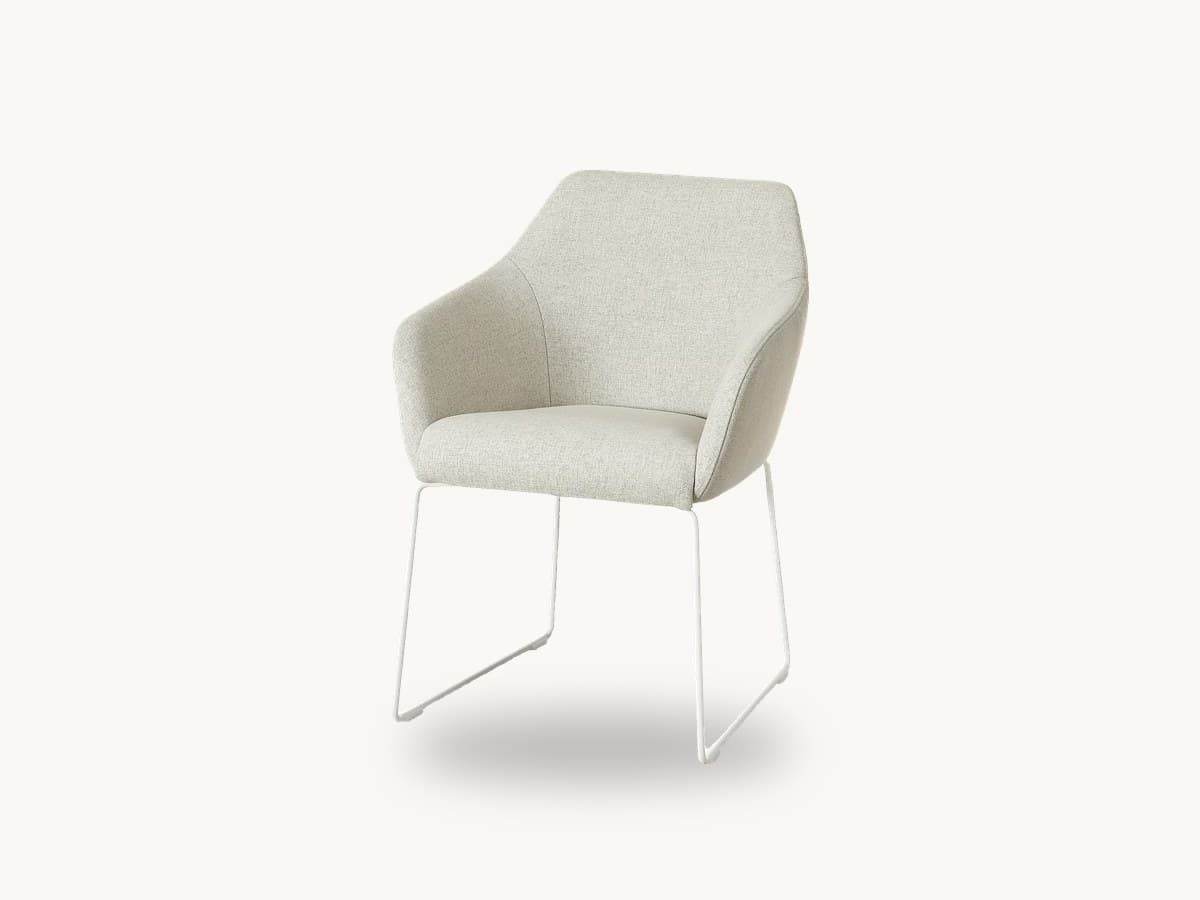 ChairOn
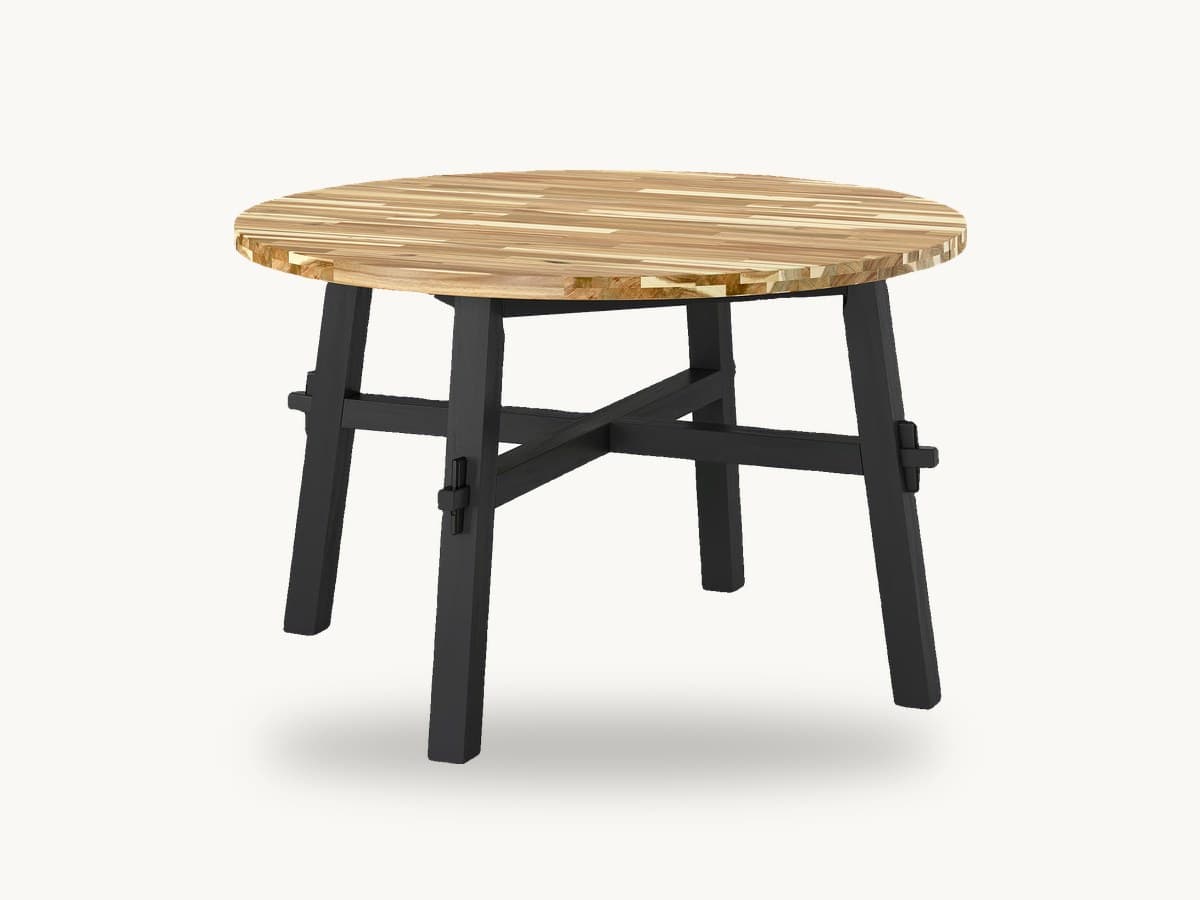 TableOff
What comes next.
- Live now
Room preview
Photo in, product placed at its real size, fit warning out. One script tag.
Available - Q1 2027
3D room
The photo becomes a 3D room. Shoppers rearrange it, swap pieces and buy the whole set.
In development - Q2 2027
AR in the browser
True-to-scale placement through the phone camera, with no app to install.
Planned
Questions shops ask.
No. The script loads in the background and shows nothing until a shopper taps the button. The heavy work happens on our servers, not in their browser, so your page speed stays where it is.
Still unsure? Book a demoYou don’t need to commission any. If you already have 3D models, we use yours. If not, we build them from the photos and dimensions already on your product pages, and only for the products you switch on.
Still unsure? Book a demoPhones are the main case, because that is where the camera is. On a computer, a QR code hands the photo step to their phone, and they come back to the same page with the cart intact.
Still unsure? Book a demoIt belongs to the shopper. We use it only to make their render and delete it after 30 days. It is never used for training and never sold. Making the render means the photo reaches the AI providers we use; some process data outside the EEA, so those transfers rely on standard contractual clauses. We sign a standard DPA and act as your processor; every processor we use is named in our privacy policy.
Still unsure? Book a demoWe say so. When a piece only just fits the space the shopper marked, the result carries a plain warning. An honest “this won’t fit” prevents a return. A flattering render causes one.
Still unsure? Book a demoWe are setting prices together with our first partners. Tell us your catalogue size and traffic on the call and you will get a straight answer, even if it is “not worth it at your volume yet”.
Still unsure? Book a demoTest it onyour products.
Pick a few products and get real numbers from your own traffic. If nothing moves, you delete one line of code and we part as friends.
Something else in mind? We also build custom tools for furniture shops: room planners, configurators and catalogue pipelines.